Gate 01 · The security check
Authentication
Before anyone reads a word, the inbox asks: is this sender who they say they are? SPF, DKIM and DMARC help your email earn its way in.
Check in 60 seconds whether your outreach will arrive, be summarised accurately, and be read.
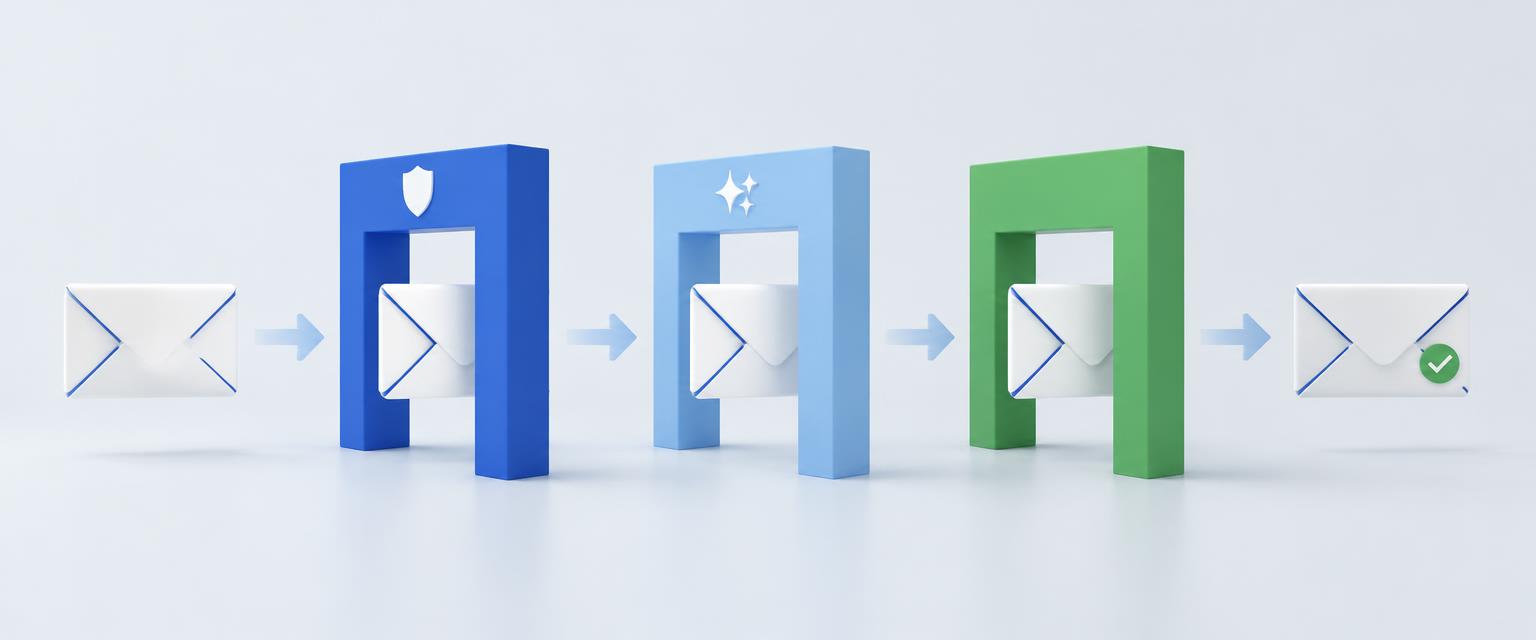
Every outreach email has to pass three very different readers.
Before anyone reads a word, the inbox asks: is this sender who they say they are? SPF, DKIM and DMARC help your email earn its way in.
Your email may be summarised before it is ever opened. If an assistant misses who you are or what you want, your message loses its meaning.
You made it to the inbox. Now you have seconds to be relevant. A clear subject, a useful opening and a simple ask make the difference.
One email. Three gates. A clearer picture of what needs to change.
Your email stays private. Your subject line and pasted text are deleted after 30 days. No advertising trackers. No mailing list.
A practical check before you press send.
Add your sending domain, your email, your subject line and the message you plan to send, plus any linked content.
The diagnostic will check authentication, email hygiene, an AI summary simulation and your content destination.
Get a clear score and specific, plain-English fixes. Make the changes that matter, then send with more confidence.
No card needed for a free check. Paid plans will launch with GST-inclusive AUD pricing.
A first look at what’s getting in the way.
The complete picture, one email at a time.
Stay on top of your sending reputation.
Phase 1 accepts submissions only. Scores and findings will be available after the diagnostic checks are added.
Straight answers. No inbox mythology.
No. Inbox providers use many signals, including reputation and recipient behaviour. Cut-Through Check identifies practical risks and ways to improve your email; it cannot guarantee delivery or a response.
No. It will be clearly labelled as a simulation. It helps you understand how an AI assistant might interpret your message, not the actual output of Gmail or Outlook.
It is stored privately in Lovable Cloud and the pasted text is deleted after 30 days. Once diagnostic checks are added, the email will be processed by an AI model for the summariser simulation. Findings will be retained.
Not to submit a check. The authentication check uses public DNS records. If a problem is found, you may need your IT team or domain administrator to make the fix.
You can submit an email, test required fields and validation, and check the free daily limits. The four diagnostic checks, scores, reports and result emails are not active yet.
You can submit up to 3 emails per email address and up to 10 per network IP each day. Limits reset daily. A shared office network shares the network limit.